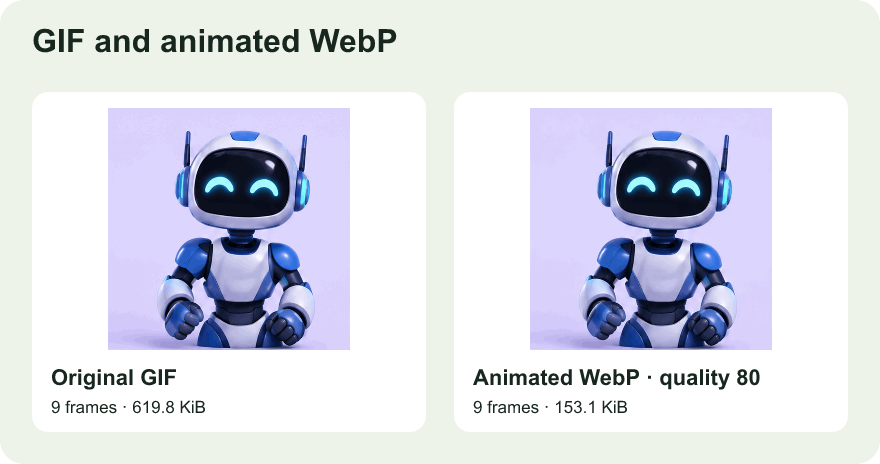
Keep one original and make exports at three noticeably different quality settings. Leave the input dimensions and motion unchanged so you can compare just the quality and file size.
Check outlines, flat areas, and transparency around the subject. Watch at least one loop to see if the lowest quality introduces changing artifacts on the edge.
Use the smallest acceptable export only after confirming the target surface plays animated WebP. Some previews show a still image even when the original file is animated.